guide March 18, 2025
Computer Setup

MacOS
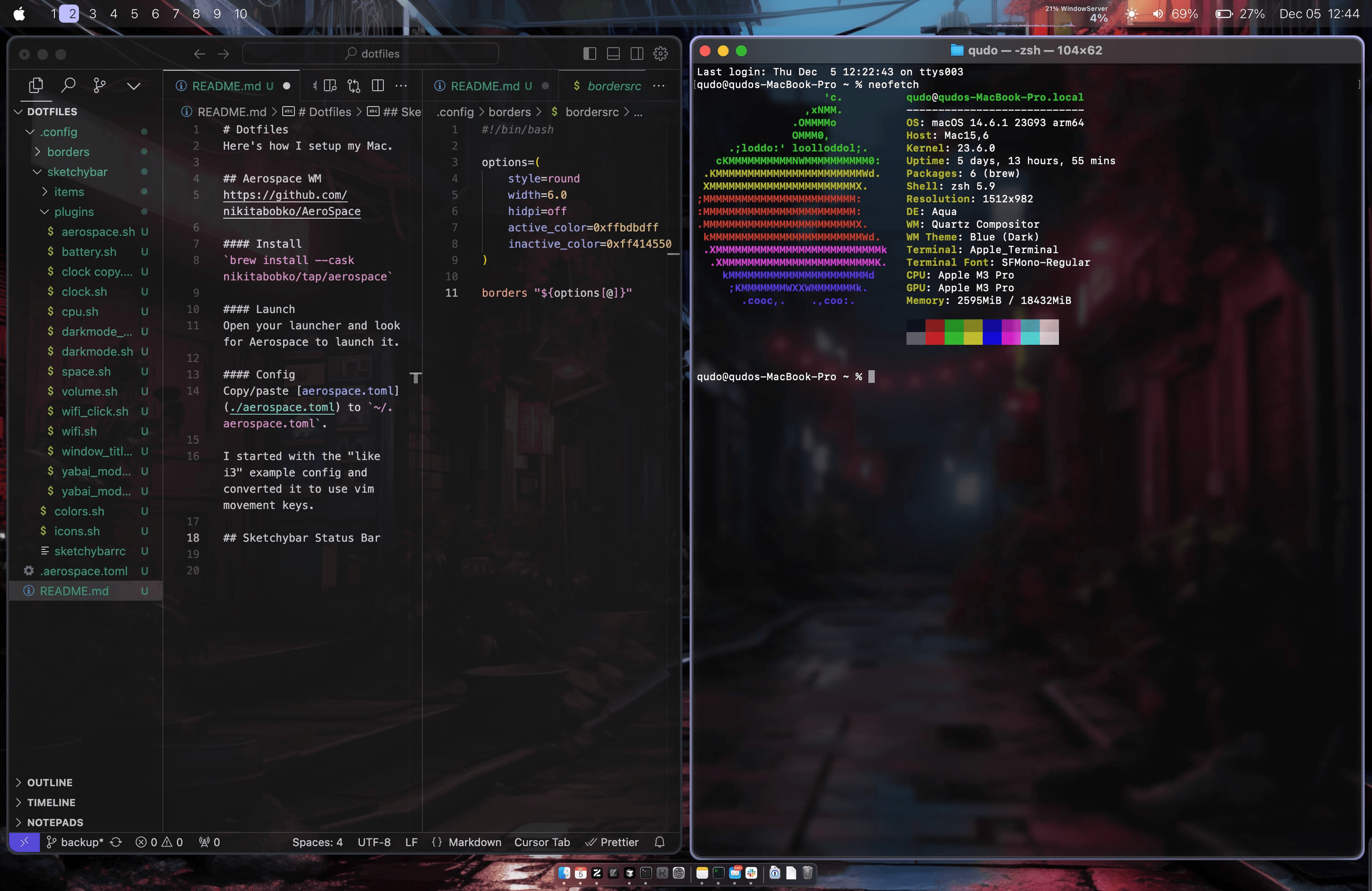 Clone the repo and navigate to the directory.
git clone git@github.com:qudo-code/dots.git ~/git/dots && cd ~/git/dotshttps://github.com/qudo-code/dots
Scripts
For macOS, there's a small CLI located at the root of the repo you can call with
./dots../dots sync: Copy config files to system../dots install: Install common apps and tools.
Keybindings (Aerospace WM)
Focus Movement
cmd + h/j/k/l- Focus window (left/down/up/right, wraps around workspace)
Move Windows
cmd + shift + h/j/k/l- Move window (left/down/up/right)
Workspace Navigation
cmd + 1-0- Switch to workspace 1-10cmd + shift + 1-0- Move window to workspace 1-10
Scratchpad
cmd + enter- Show next scratchpad window (cycles through queue)cmd + shift + enter- Send focused window to scratchpad (toggle)cmd + shift + option + enter- Switch to scratchpad workspace (S)
Other
cmd + shift + space- Toggle floating/tiling layoutcmd + q- Close window
Screenshots
cmd + shift + x- Select an area to screenshot. Copy withcmd + cwhen done.
NixOS
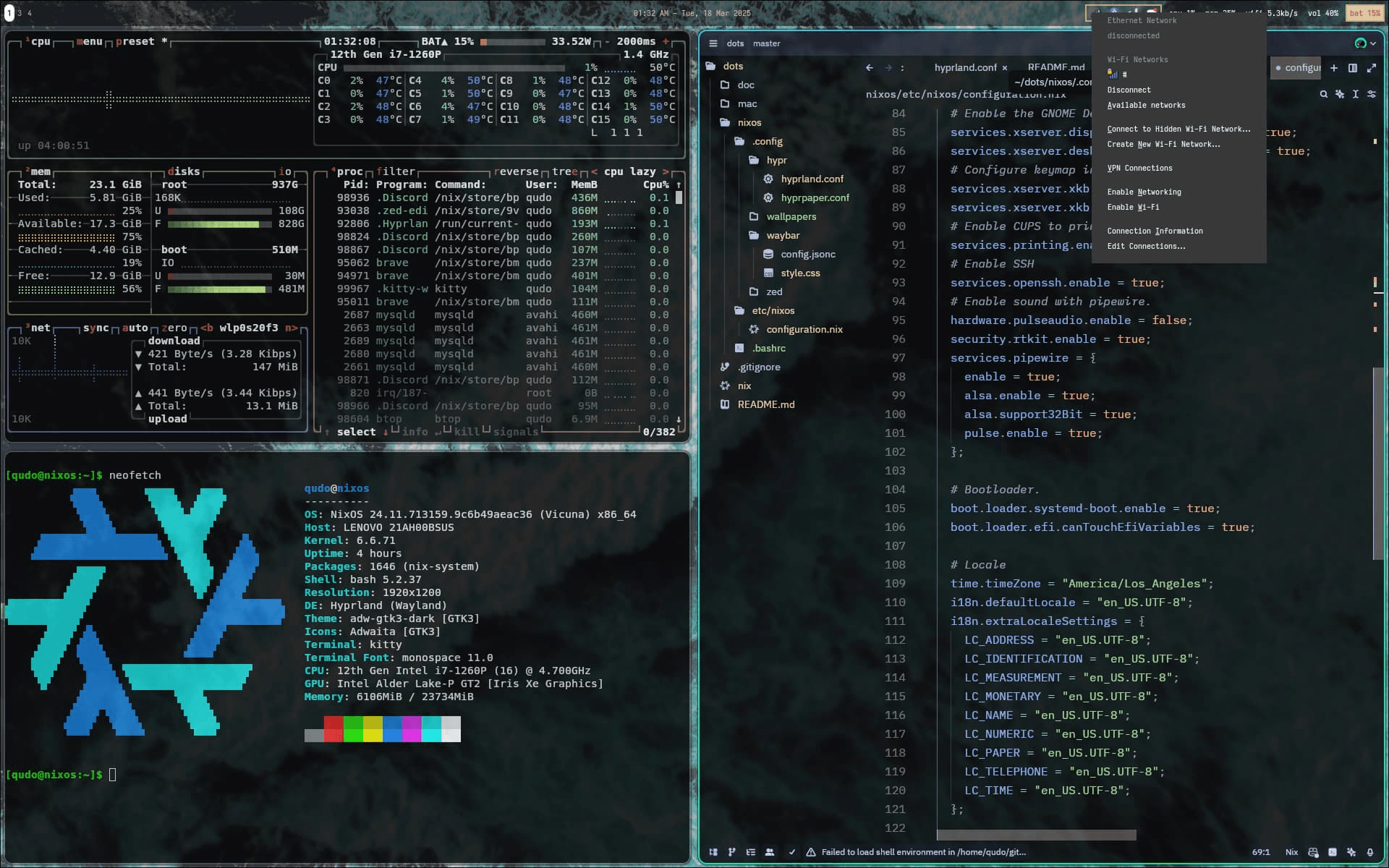
See NixOS configs in
./nixos for how I setup hyprland and waybar.